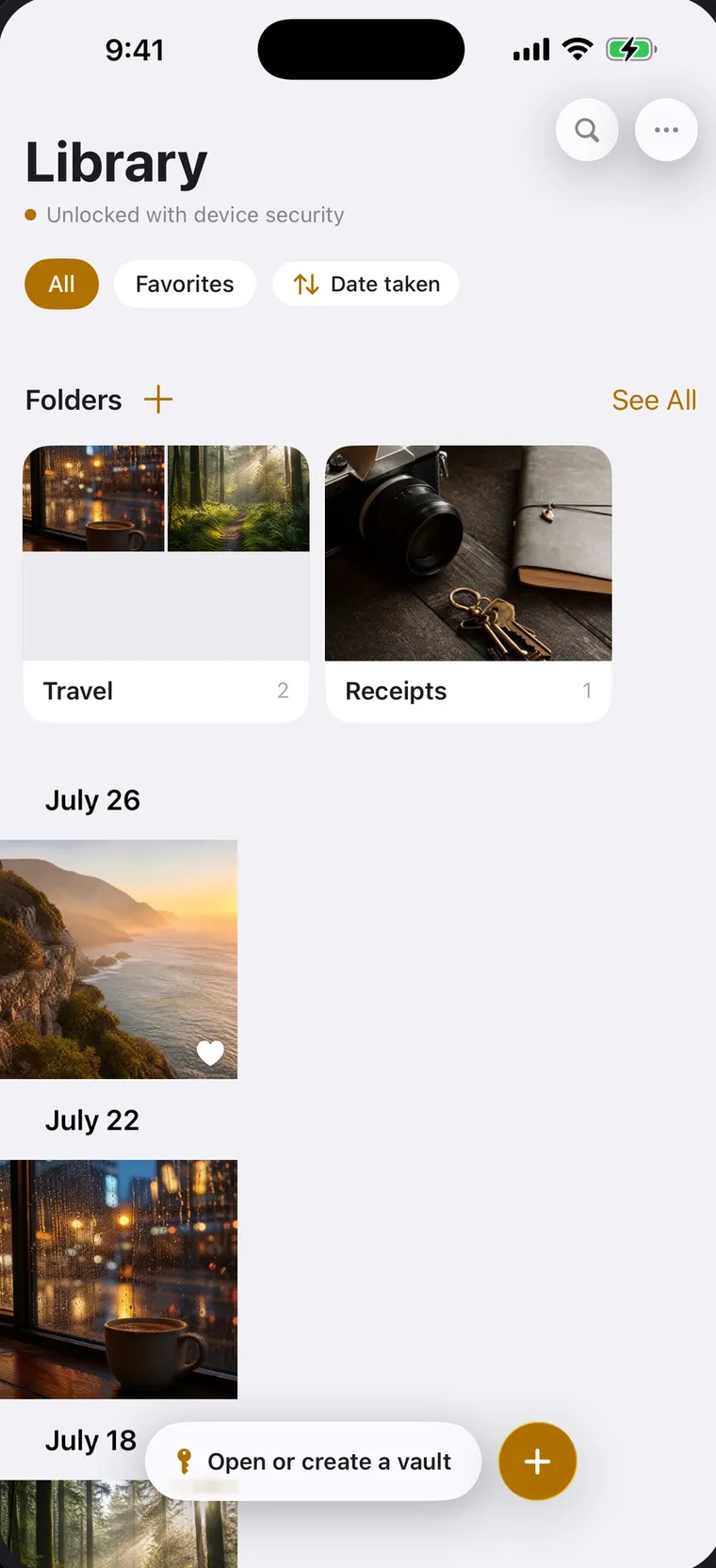
Face ID Private Gallery
Open your everyday private gallery with Face ID. No password to remember for daily use.
A private gallery you open with Face ID. Encrypted vaults that open only with your passphrase. Built on your iPhone's security — designed so only you can unlock them.

Real Tuckaway screens on iPhone and iPad.
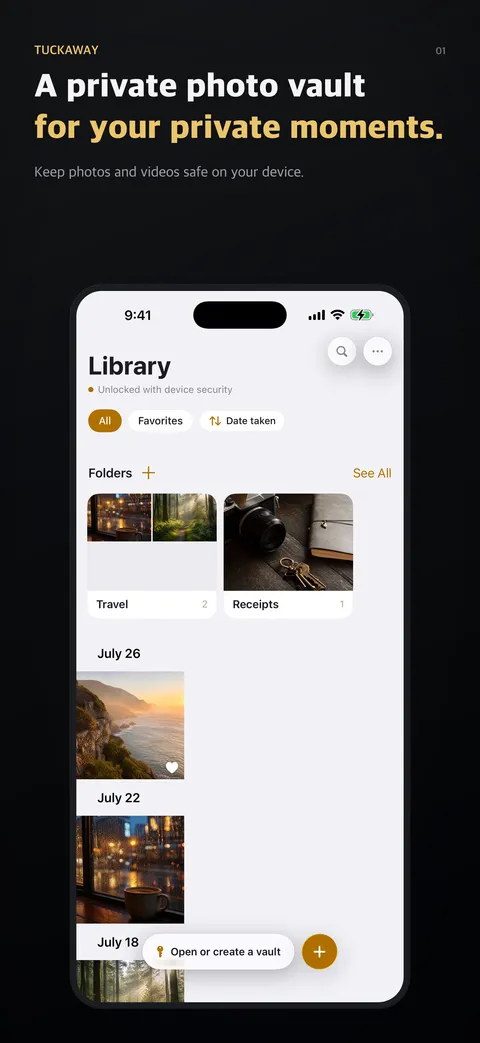
Your everyday gallery
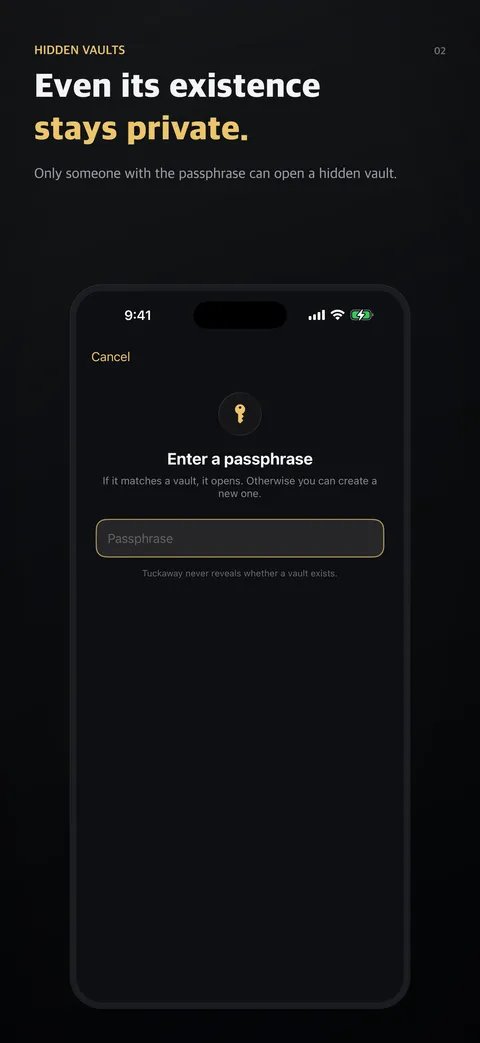
Hidden vaults
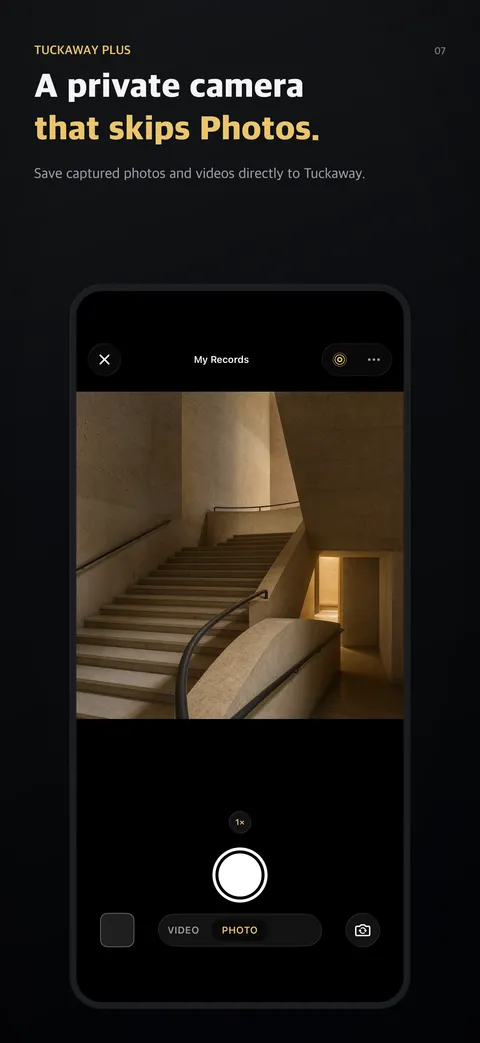
Built-in camera and scanner
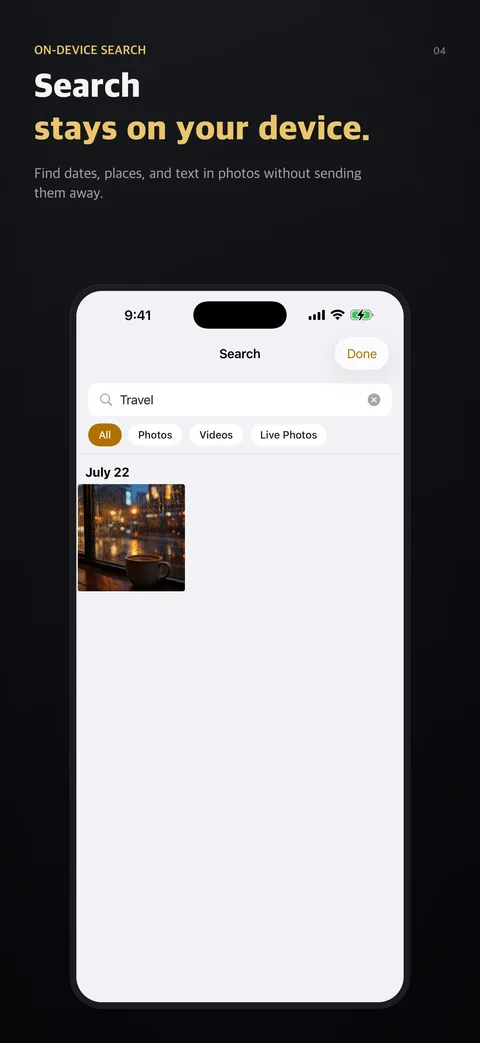
Private on-device search
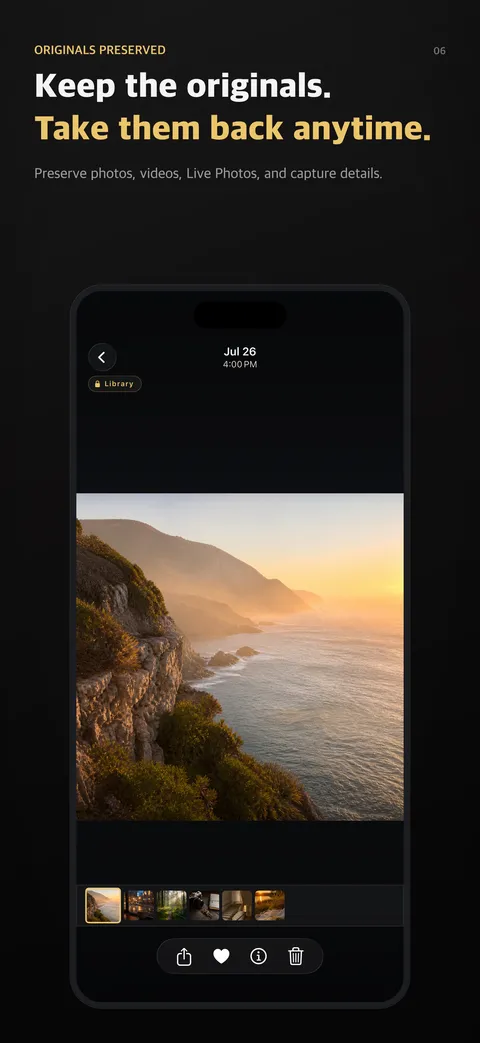
A viewer built for private media
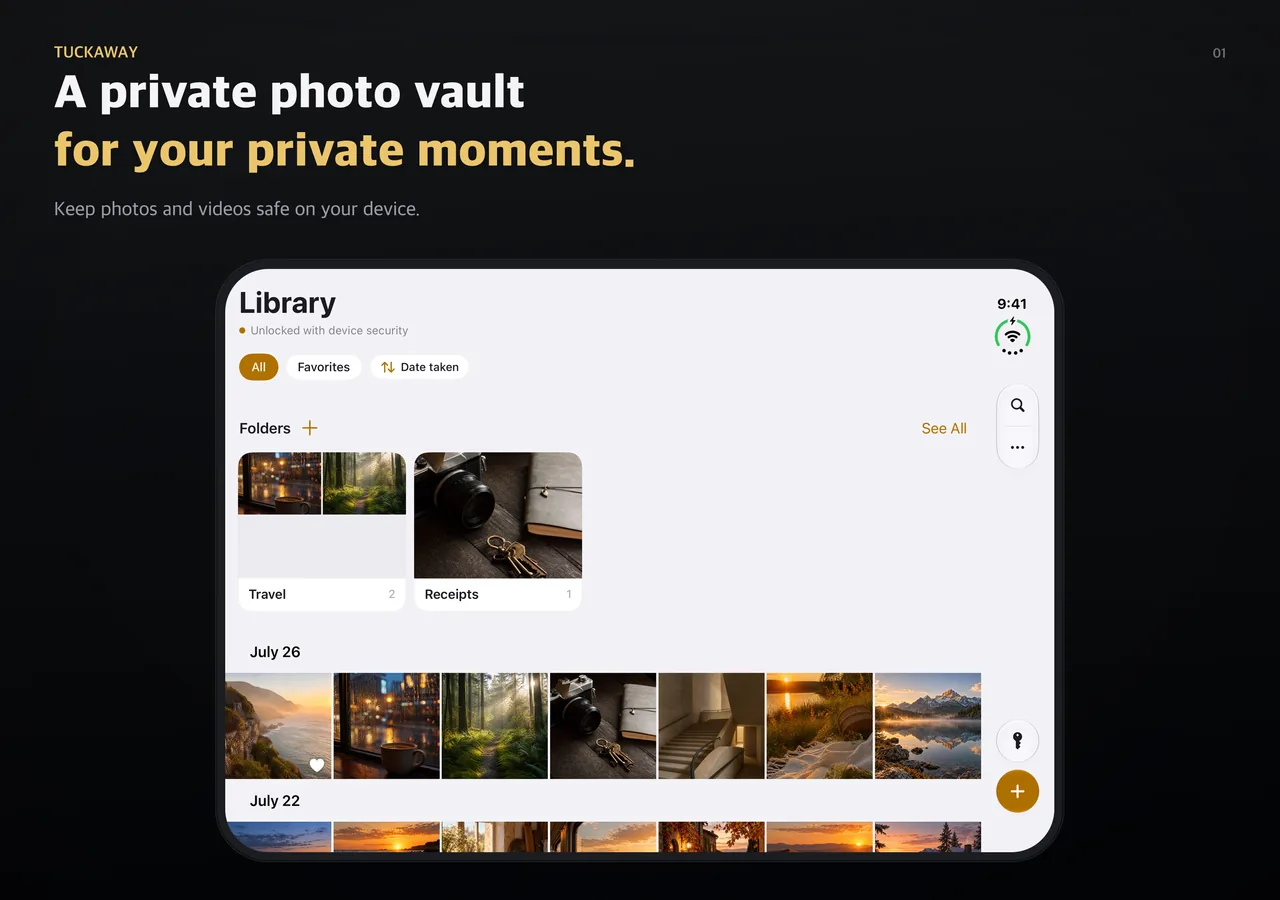
iPhone Duo
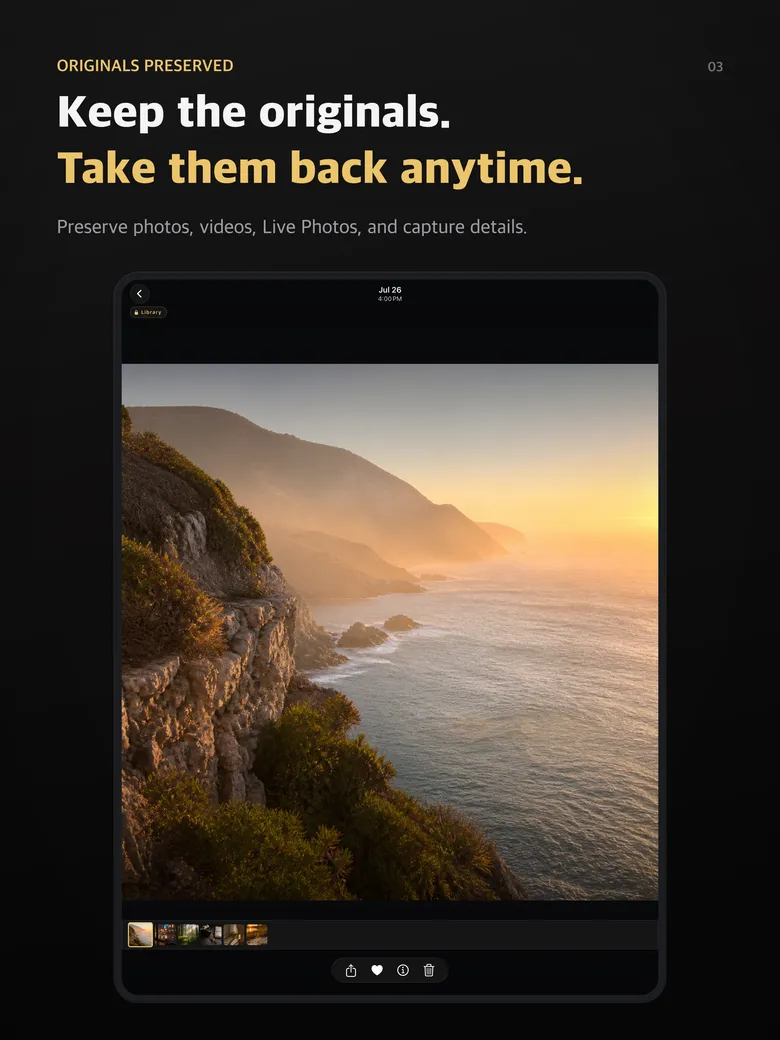
iPad
Layers that work quietly together.
Open your everyday private gallery with Face ID. No password to remember for daily use.
Create encrypted vaults unlocked by a passphrase. Hidden-vault access is intentionally neutral: Tuckaway is designed not to reveal whether a vault exists, is empty, or is protected by a different passphrase.
Lock individual folders with a 6-digit PIN. Privacy is granular, not all-or-nothing.
Your media is encrypted on your device before it's stored in Tuckaway. There's no Tuckaway account and no vault-data server — no way for us to see it.
Shoot photos and video, or scan documents to PDF, straight into your vault — nothing lands in your camera roll on the way. The viewfinder reads QR codes, too. Included with Plus.
Add the Tuckaway control to your Lock Screen or Control Center and shoot photos, Live Photos, and videos without unlocking — Portrait mode included, and it reads QR codes too. Your shots skip your camera roll and are encrypted into Tuckaway the next time you open the app. Requires iOS 18 or later.
Find photos by date, location, camera details, and text visible in an image. Search indexing happens on your device.
The principles we don't bend on.
Media, thumbnails, filenames, and dates saved in your gallery and vaults are encrypted on your device.
Each locked folder has its own encryption key, protected by a key derived from its PIN. Opening the gallery alone does not unlock the folder.
The vault access screen doesn't list hidden vaults or confirm whether a particular vault exists. A wrong passphrase and a missing vault give the same result.
Hidden vaults lock when Tuckaway goes to the background. The app switcher shows a cover instead of your photos.
Everything you've already saved stays viewable and exportable, even if your plan changes.
Face ID, iCloud Keychain, and iOS Data Protection help protect your data. Your hidden-vault passphrase is never stored.
Start free. One Plus purchase unlocks unlimited local storage, the built-in camera, and document scan.
| Free Free forever | Plus One-time | |
|---|---|---|
| Face ID private gallery | ✓ | ✓ |
| Encrypted storage | ✓ | ✓ |
| Everyday gallery | Unlimited | Unlimited |
| Hidden vaults | Unlimited | Unlimited |
| Items per hidden vault | Up to 3 | Unlimited |
| PIN-locked folders | Unlimited | Unlimited |
| Built-in camera | — | ✓ |
| Document scan | — | ✓ |
| Ads | None | None |
Plus is a one-time purchase — not a subscription — that unlocks unlimited local storage, the built-in camera, and document scan, for good. Your media always stays viewable and exportable. Pricing is shown in the App Store and may vary by region.
Coming next
iCloud sync · backup · multi-device continuity
Tuckaway Pro will be an optional subscription for using your vault across devices. Everything you keep on this device works without it.